
Let’s take a brief overview of how to book a NAATI test.
First, we’ll go to the NAATI homepage.
Then, if you don’t have an account, you will need to register for one.
After, you are done registering, you will receive an email with a temporary password.
Use your email and the password you received to login to NAATI page. You will be prompted to change your password.
After you are done changing your password, you will be directed to the main page where you can book your test.
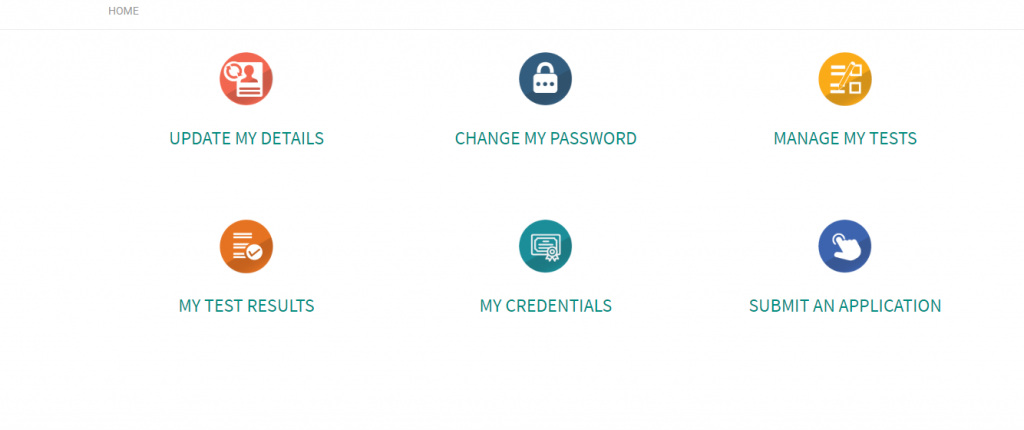
To book your test, click on the Submit an Application page. And there, you can click on the Credentialed Community Language(CCL) Testing button to start booking your page.
Here, you will be asked to enter your personal details.
After entering details, you can select the option “To obtain Credentialed Community Language Points.

After that, select your language and your test date.
And then, you will have to upload your Australian Passport Size photo.
Once you are done, you will receive an email confirming your test.
We have made a video to help you with the process.
If you want help with the booking or if you are in a hurry, contact us and we will help you book a test.